TWINT, QR bills and eBill: paying like a local
The short version
- TWINT is the Swiss payment app for paying friends, shops and market stalls. You’ll use it from week one.
- QR bills are the standard Swiss paper and PDF invoices. You scan the code in your banking app and confirm.
- eBill sends invoices straight into your online banking. You check and approve them with a tap.
On this page
Three tools, one Swiss account
Almost everything in Swiss everyday money runs through your Swiss bank account: salary, rent, health insurance and phone bills. Once your account is open (T08), these three tools make paying simple. They’re not complicated, they’re just different from what you may know.
| Tool | What it’s for | What you need |
|---|---|---|
| TWINT | Paying people, shops, online stores, parking | Smartphone, Swiss phone number, the TWINT app of your bank (or the prepaid version) |
| QR bill | Paying invoices on paper or as PDF | Your bank’s app or e-banking |
| eBill | Receiving and paying invoices digitally | E-banking at a bank that offers eBill |
TWINT
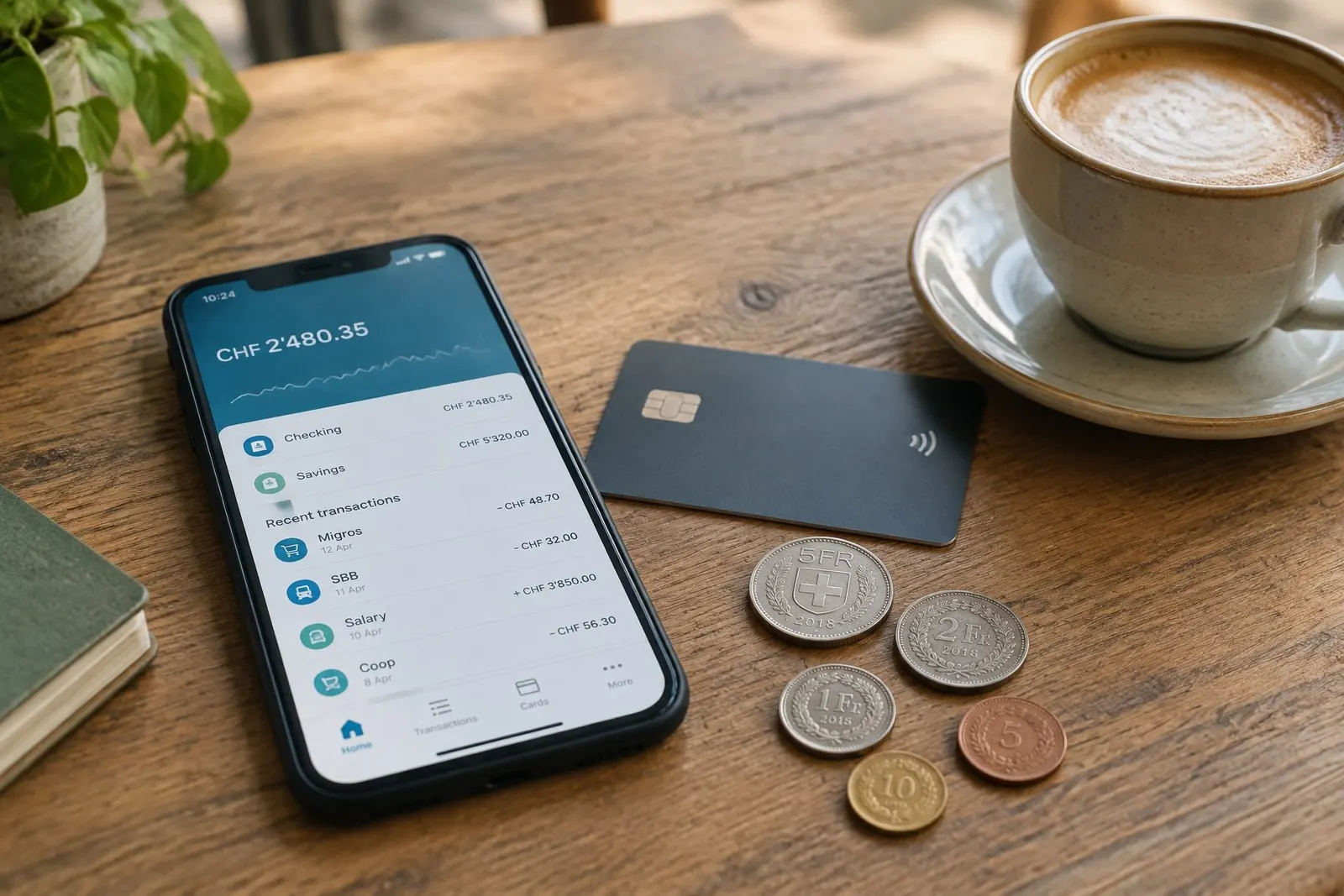
TWINT is a Swiss mobile payment app. You’ll hear “Hast du TWINT?” or “Tu as TWINT ?” the first time you split a dinner bill.
What you can do with it:
- send money to friends and request money from them
- pay in shops by scanning the QR code on the payment terminal
- pay online by scanning a code at checkout, and in some apps directly
- pay at farm stalls and markets that display a printed TWINT code
- pay for parking in many places
How to get it: Most banks have their own TWINT app, linked to your Swiss account. Download the app of your bank, not just any TWINT app. If your bank doesn’t offer one, there’s a prepaid version: you load money onto it and verify your identity with your passport or ID and a selfie. You need a Swiss phone number (the prepaid version also accepts some neighbouring countries’ numbers). TWINT can generally not be linked to a credit card.
What it costs: For private users, TWINT is free. Shops pay the fees.
Good to know: TWINT works in Switzerland only. Outside the country, use your debit or credit card.
Stay safe: You never need to confirm anything to receive money. If someone asks you to “confirm a payment” or scan a QR code so they can send you money, for example when you sell furniture online, cancel immediately. That’s a known scam. Never share your TWINT PIN.
QR bills
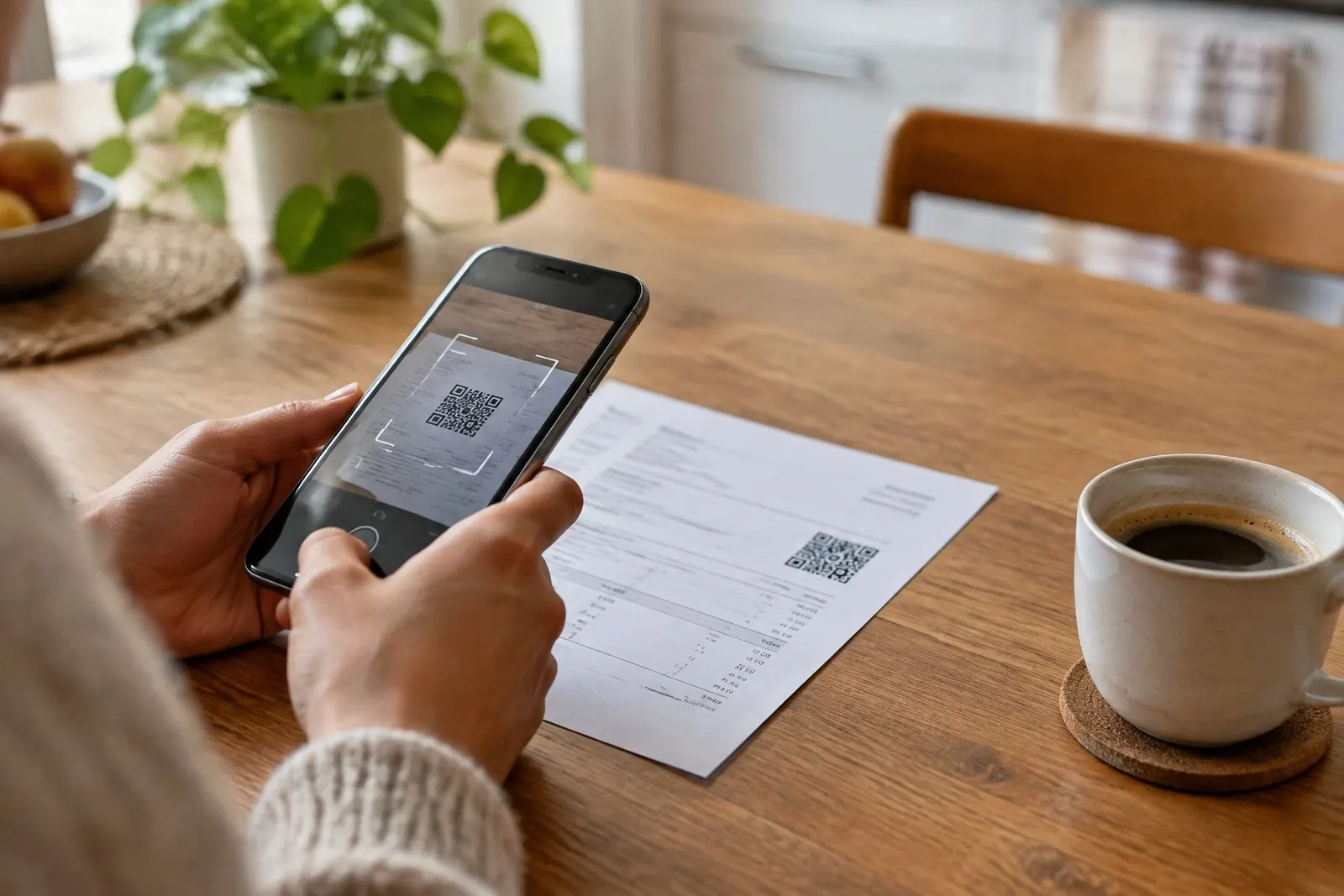
Most Swiss invoices, from your health insurer to the dentist, come as a QR bill (QR-Rechnung / QR-facture). It’s a paper or PDF invoice with a payment slip at the bottom and a square QR code. Since 30 September 2022, QR bills have replaced the old red and orange payment slips you may still see mentioned in older guides.
How to pay one: 1. Open your bank’s app and choose “Scan” or “Pay invoice”. 2. Scan the QR code, or upload the PDF. 3. Check the amount, recipient and payment date. 4. Confirm.
The code contains the recipient’s account and the reference, so you don’t type anything. That avoids errors and makes sure your payment is matched to your invoice.
Paying on paper: If you don’t use e-banking, you can usually pay at a post office counter. Ask your bank or the post office about fees.
Standing orders: For your rent, set up a standing order (Dauerauftrag / ordre permanent) in e-banking, so it’s paid on time every month.
eBill
eBill is the digital version of the invoice. Instead of a letter, the invoice lands in the eBill section of your e-banking. Nothing is paid until you approve it.
How it works: 1. In your e-banking, open eBill and activate it. 2. Search for the companies that send you invoices (health insurer, phone provider, utilities) and register. You usually need your customer number from a contract or invoice. 3. New invoices appear in your eBill inbox. Check them and approve, change the amount or reject. 4. For regular bills, you can set up a standing approval with an amount limit, so they’re paid automatically.
What it costs: Banks don’t charge private customers for eBill. In individual cases, a company may pass a fee on to you. More than 90 Swiss banks offer it. Check with yours.
Cash and cards
Cash is still accepted almost everywhere, and some small shops and market stalls prefer it. Debit cards work in nearly every shop. A few places still don’t take credit cards, so carry some francs.
Local tip
When you get your first Swiss invoice, switch that company to eBill right away. It means one less letter to open, one less due date to remember, and no QR codes to scan.
Related tasks
Sources and last update
Last checked: November 2026
- TWINT requirements, prepaid version, fees, security advice: https://moneyland.ch/en/twint-faq
- QR bill replaced red and orange payment slips on 30 September 2022: https://www.kmu.admin.ch/en/replacement-of-payment-slips-on-30-september-2022-switch-to-qr-bill-or-ebill-now
- eBill registration, approval, standing approval, costs, number of banks: https://www.moneyland.ch/de/ebill-schweiz-fragen-antworten
- Practical guidance by firstweeks.
firstweeks provides general information, not legal or tax advice. Rules can change. Always check with the responsible authority.